Office Floor Plans
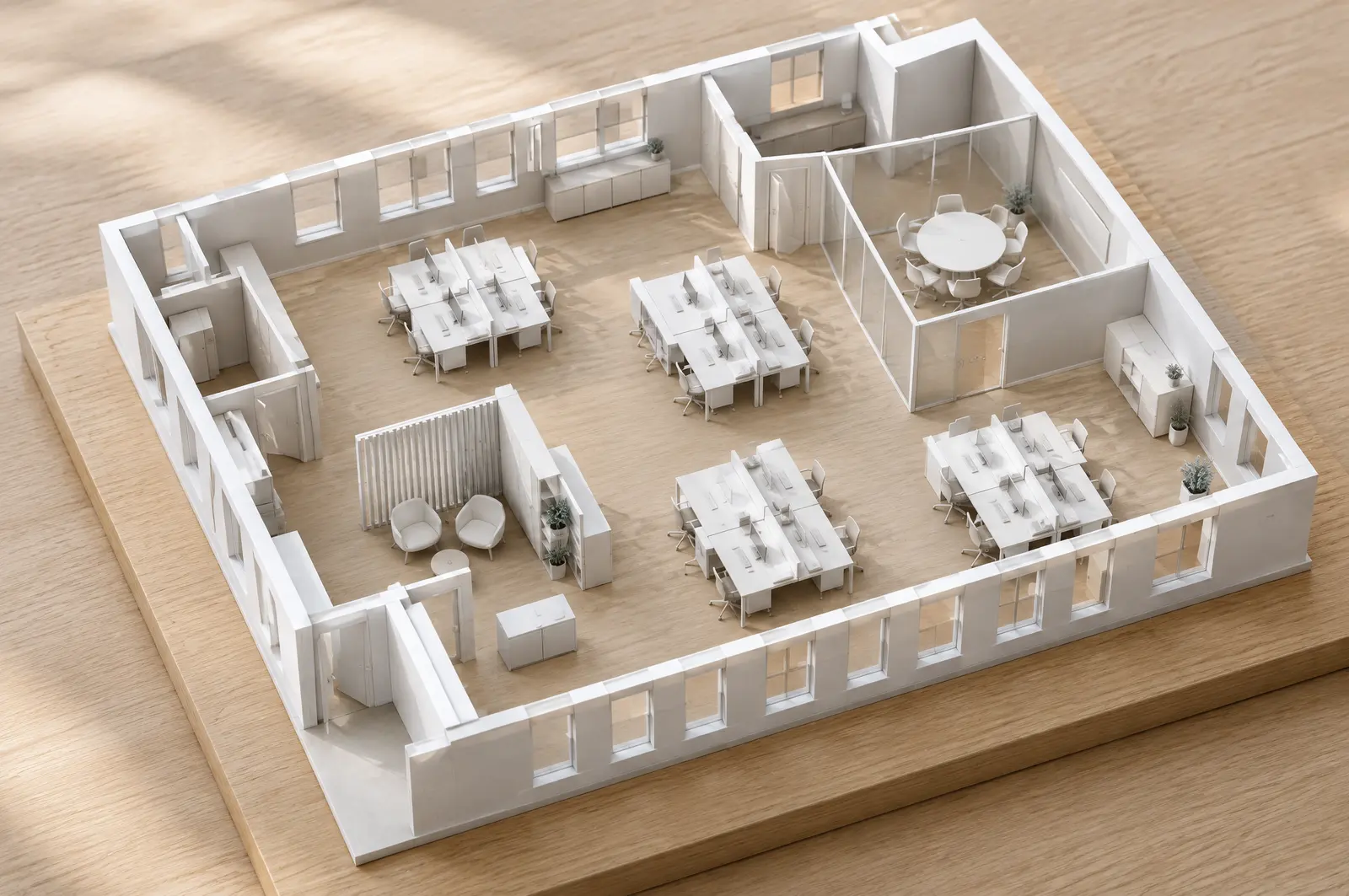
Plan a workplace room by room with these office floor plans. Start from the complete office template or from one of the example rooms in this section, each drawn to scale with its furniture and ready to open in the editor.
In this section
- Office Layout PlannerPlan an office layout to scale in your browser: auto-fill rooms with desks, furnish meeting rooms from presets, number seats and check aisles, in m or ft.
- Small Office LayoutA small office layout for four people: a cluster of desks, shelving and clear walkways in a 5.6 × 4.4 m (18′ 4″ × 14′ 5″) room you can open, edit and re-fill.
- Open Office LayoutPlan an open office layout: group desks into clusters, keep aisles clear and check the space behind chairs, with an editable example in meters and feet.
- Meeting Room LayoutLay out a meeting room to scale: room sizes for tables seating 4 to 12, space behind the chairs, door and screen position, and a six-seat example to edit.
- Reception Area LayoutPlan an office reception area: a counter with working space behind it, a clear path from the entrance and seats for waiting visitors, drawn to scale.
- Coworking Space LayoutPlan a coworking space layout with fixed desks, a shared meeting table and a lounge corner in one 9 × 6 m (29′ 6″ × 19′ 8″) room you can open and change.
The office template
Planning a workplace
Furnish meeting rooms, a reception, a pantry or a phone booth from room presets, and fill open workspace with desk auto-fill: single desks, benches for 2, 4 or 6, L-shaped desks or pods of 4, with the aisle widths you set and clear of walls and doors. Lock the Architecture layer so walls stay put while you rearrange the furniture.
The Seats panel counts the seats per room and floor and compares them with the capacity of the floor area. It groups seats into colored team zones, numbers them and downloads a seat schedule as CSV or PDF. Advisory office checks flag narrow aisles, blocked chair zones and doors, and seats without a route to an exit door; building, fire and accessibility rules for your premises still need checking separately.
Frequently asked questions
Are these office floor plans free to edit?
Yes. Open any of them, change it as much as you like and export or share the result. No account is needed.
Can I use feet and inches?
Yes. Each example room has a link for meters and one for feet and inches, and any project can switch units in the editor's top bar or its settings.
Can I number the desks and export a seat list?
Yes. In the editor, desks count as seats; give them zones and number them in the Seats panel, then download the seat schedule with each seat's code, zone, floor and room as a CSV file or PDF.
Ready to plan your space?
It is free, runs in your browser and needs no account. Projects are saved privately on this device.